Agent sessions inside the IDE
Create, resume, fork, and reveal agent sessions without leaving VS Code, Cursor, Antigravity, or compatible editors.
 VS Code agent workspace
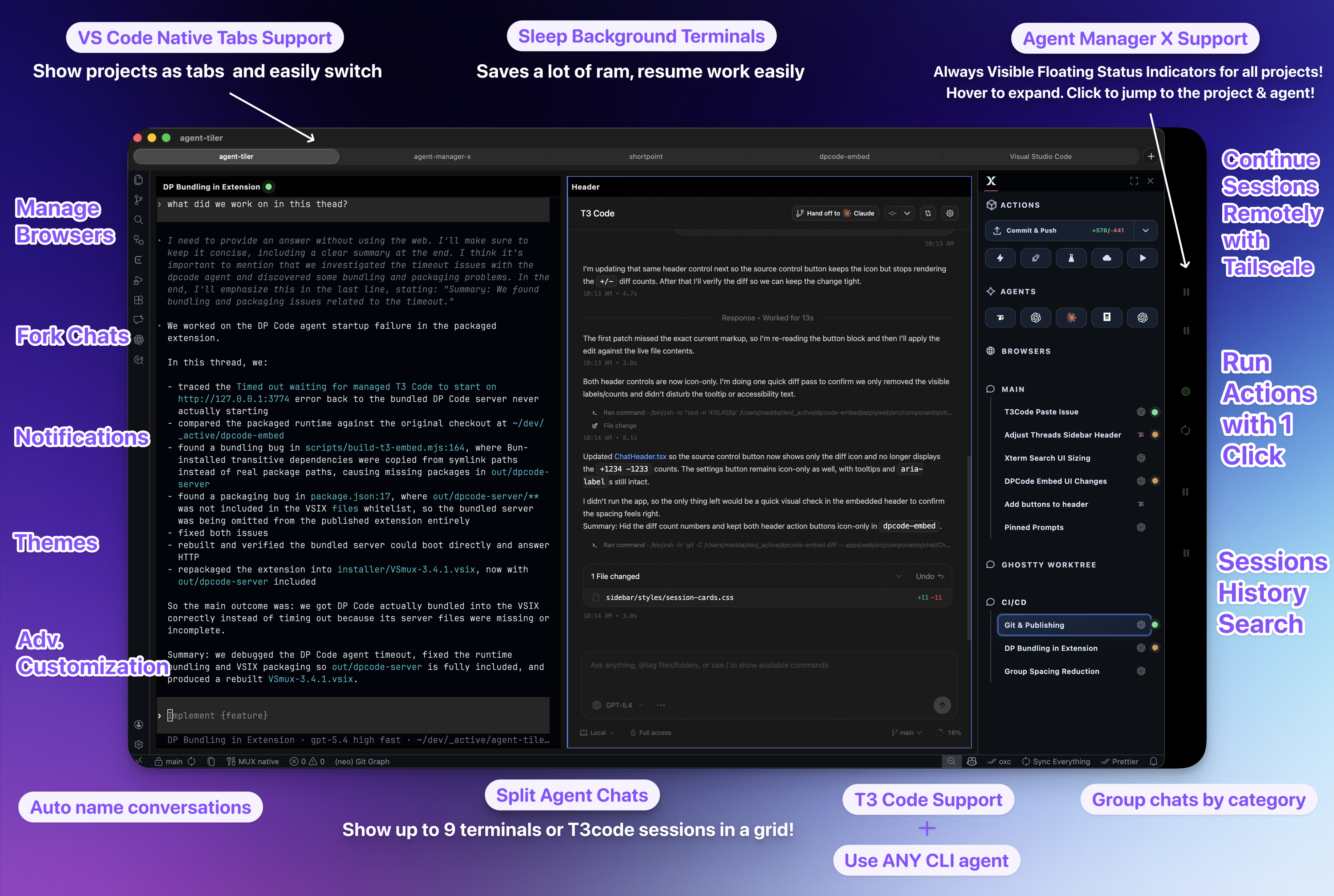
A VS Code extension for managing agent CLI sessions and T3code directly inside the IDE, with split views, search, remote access, and prompt editing built for repeated daily use.
IDE agent command center
Create, resume, fork, and reveal agent sessions without leaving VS Code, Cursor, Antigravity, or compatible editors.
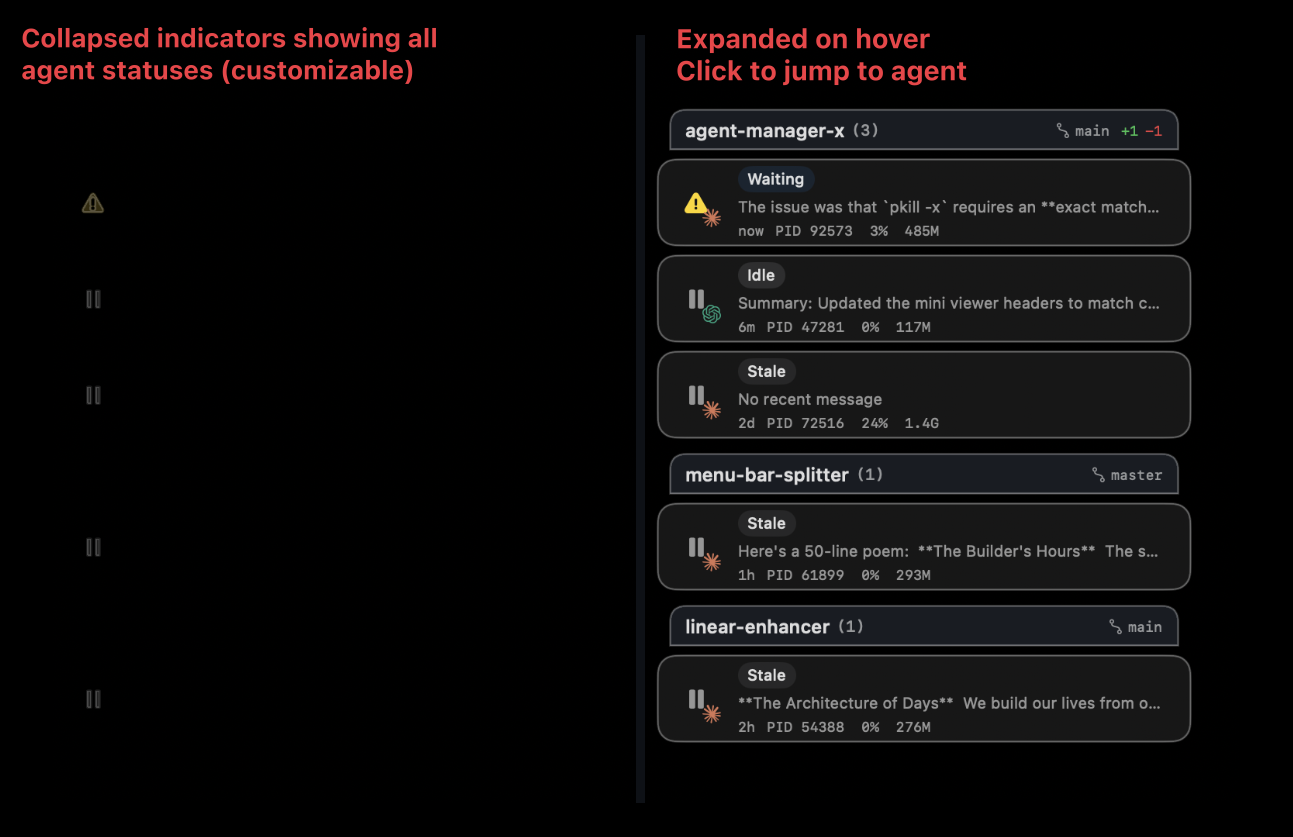
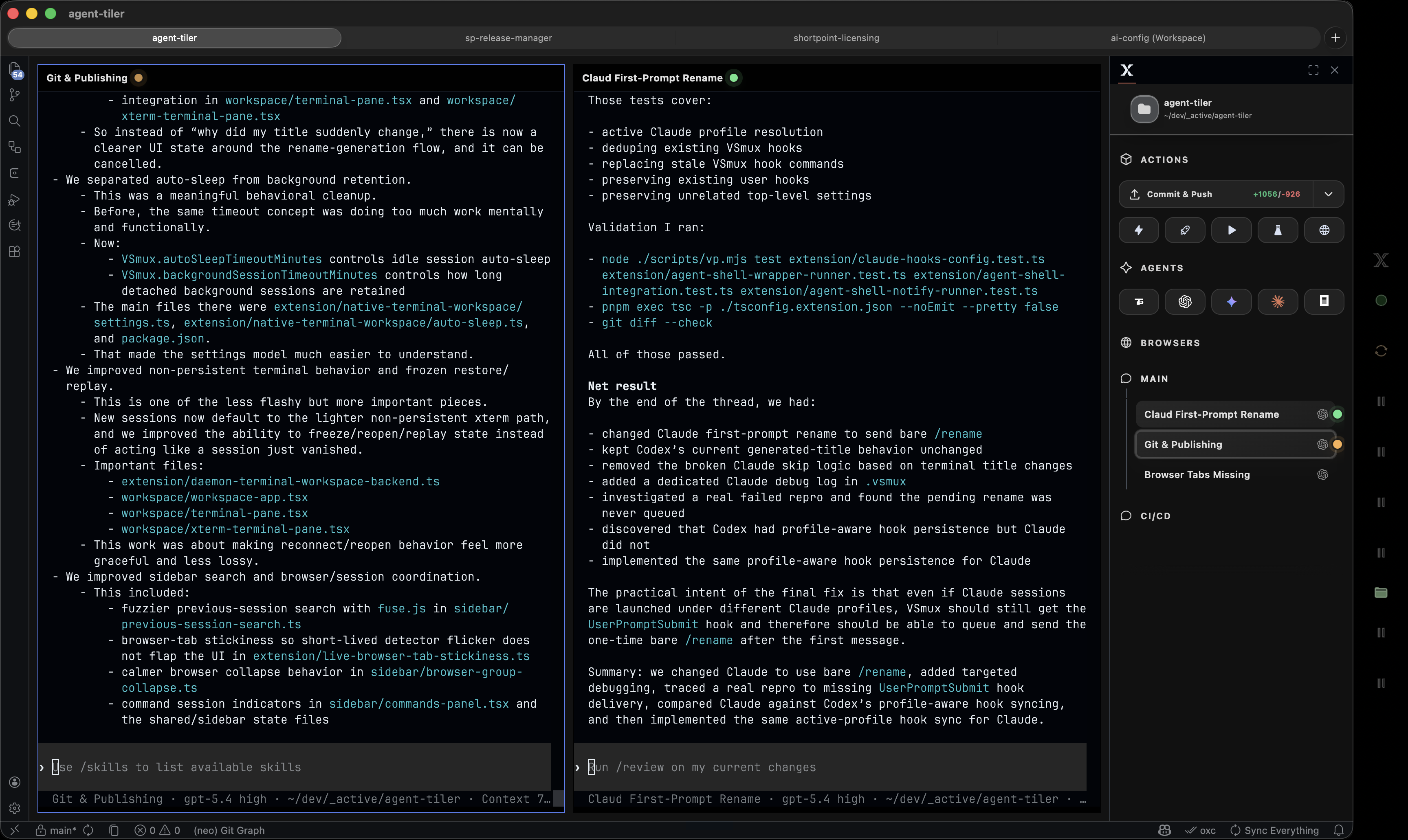
Terminals, chats, browser previews, pinned prompts, custom actions, and change monitoring stay in the same workspace.
Remote access lets you check or steer sessions from another device while the extension keeps workspace context intact.
The Ctrl-G prompt editor opens a real editor surface for long prompts, then sends the result back to the active session.
Start new sessions with your preferred CLI agents and profiles, then keep them organized by workspace.
Split panes and reveal commands make it fast to compare running work, logs, and generated changes.
Fork or hand off sessions when a problem needs a fresh path without losing the original context.
Use custom actions and automated Git helpers when a session is ready to become a clean change.
I can keep several agents moving while reviewing their changes in the same editor window.
Ship with more agents in view.
ext install maddada.VSmux